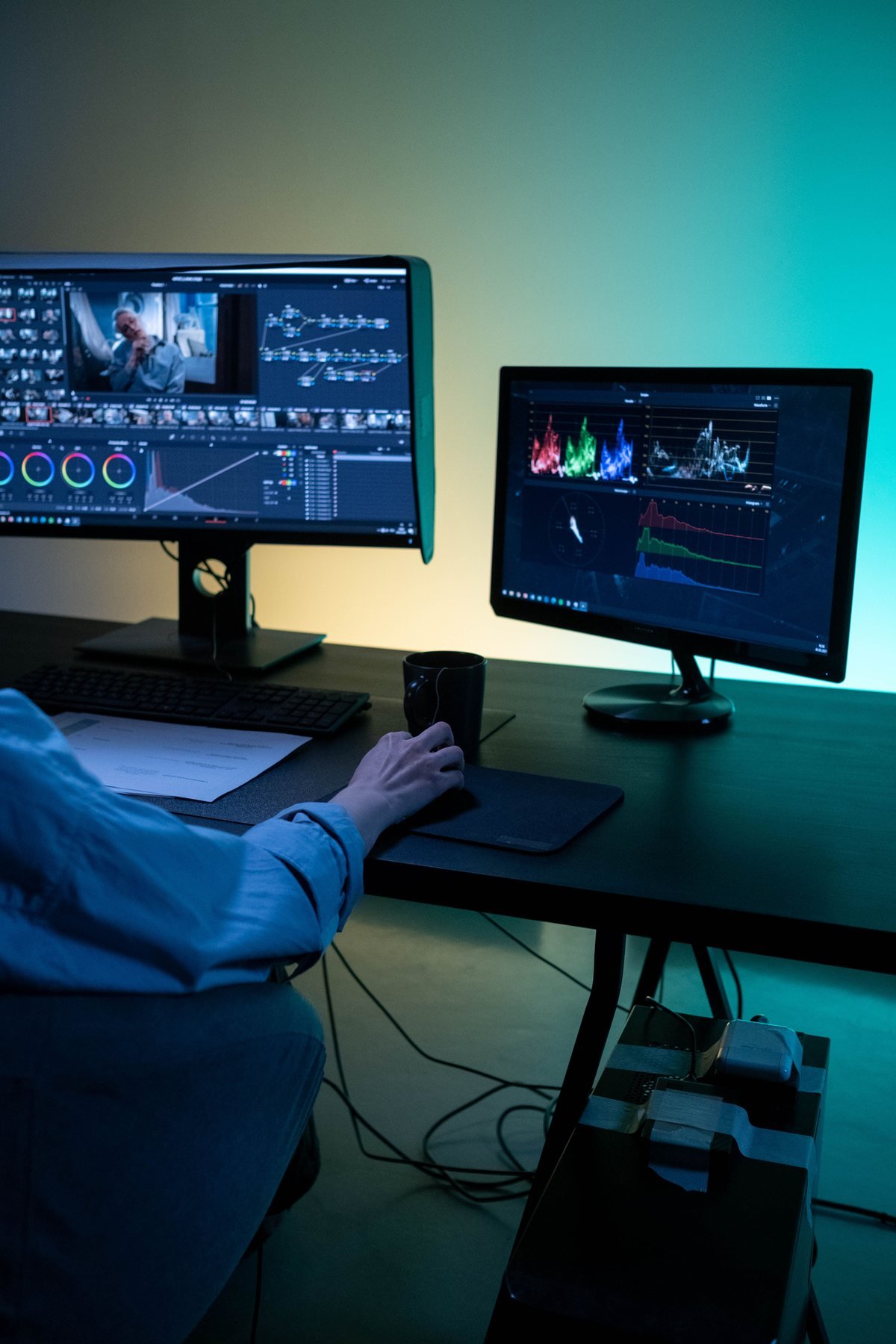
Video Editing Course
Master the art of storytelling through professional video editing. Learn advanced tools, transitions, color grading, audio mixing and platform-specific editing techniques used by industry leaders.
What you'll master
Develop your skills through guided practice and project-based learning.
DETAILED COURSE CURRICULUM
Your 6-week video editing roadmap.
From EDIUS and Premiere Pro to cinematic storytelling, DaVinci colour, sound and a final wedding film.
WEEK 01Traditional Wedding Editing with EDIUS Pro+
Edit multi-camera wedding footage for clear, efficient delivery.
- EDIUS interface, multi-track workflow and two-to-three-camera synchronisation.
- Traditional titles, music placement, fast cutting and delivery exports.
WEEK 02Cinematic Editing with Premiere Pro+
Build an organised timeline and a coherent wedding story.
- Project organisation, proxies, sequence settings, J-cuts and L-cuts.
- Speed ramps, whip zooms, invisible cuts and dialogue/music balance.
WEEK 03Advanced Storytelling & Motion Graphics+
Use pacing and sound to strengthen the emotional flow.
- Pacing, tension, sound effects and ambient audio layering.
- Motion graphic titles, lower thirds and Premiere Pro sound tools.
WEEK 04Music Videos, Teasers & Reels+
Adapt the edit for short formats and online delivery.
- Beat-marker synchronisation, wedding teasers and vertical 9:16 editing.
- Retention-focused editing, thumbnails and 4K export settings.
WEEK 05DaVinci Resolve Colour Grading+
Control colour, contrast and skin tones with a structured grading workflow.
- Nodes, lift/gamma/gain, HDR wheels, curves and qualifiers.
- Power windows, skin-tone evaluation, LUT management and look recreation.
WEEK 06Fusion VFX, Audio & Final Wedding Film+
Bring your technical and storytelling skills into a finished project.
- Fusion titles, object removal and sky replacement; Fairlight audio mastering.
- Final wedding film submission, critique and portfolio showreel finalisation.
Tools you'll master
Career paths after this course
- Wedding Editor
- YouTube Editor
- Studio Editor
- Freelance Editor
- Content Creator
- Post-production Agency
Ready to start Video Editing Course?
Book your free 1-on-1 demo class. Meet the mentors, tour the studio and see the curriculum in action.
Other courses you might love
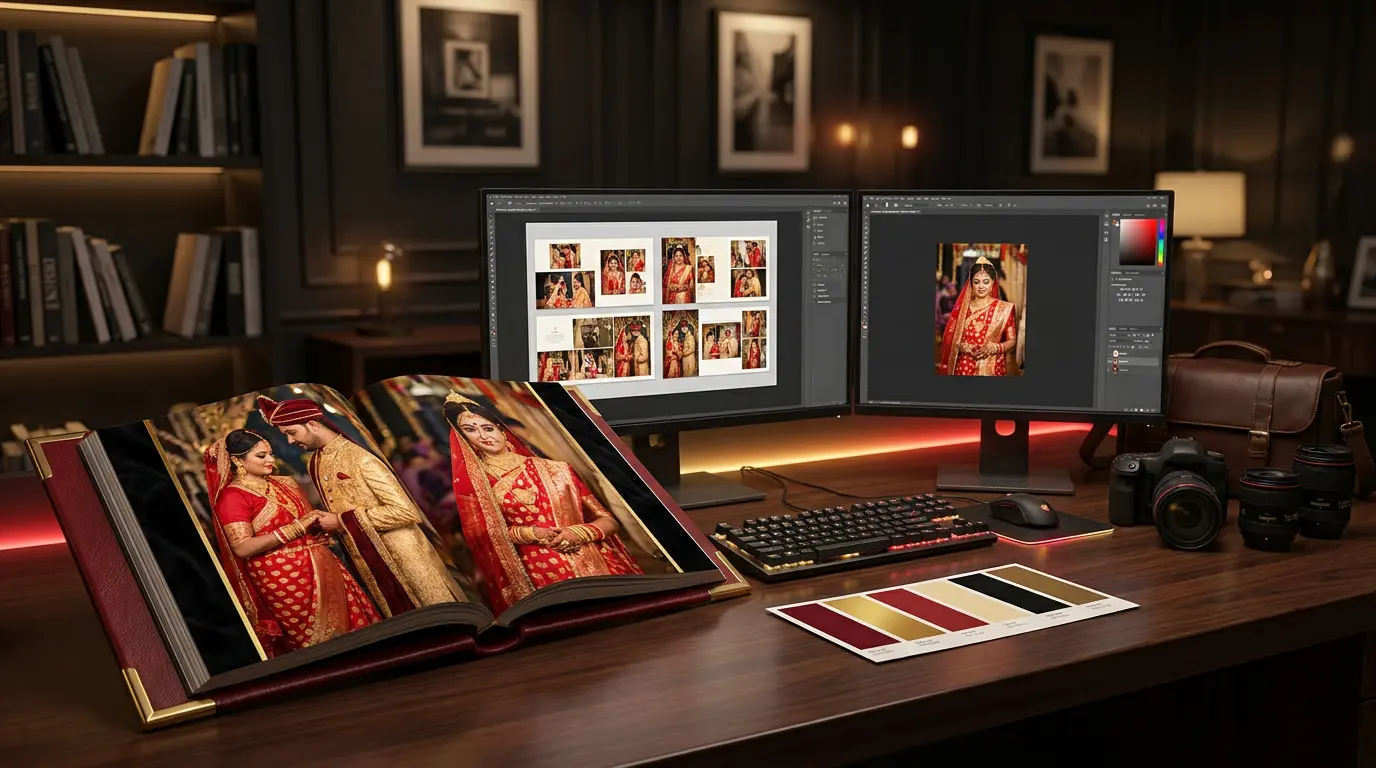
Wedding Album Design Course
From wedding albums to bold poster designs — master Photoshop, Lightroom and AI-powered design tools to create work that clients love and pay premium for.
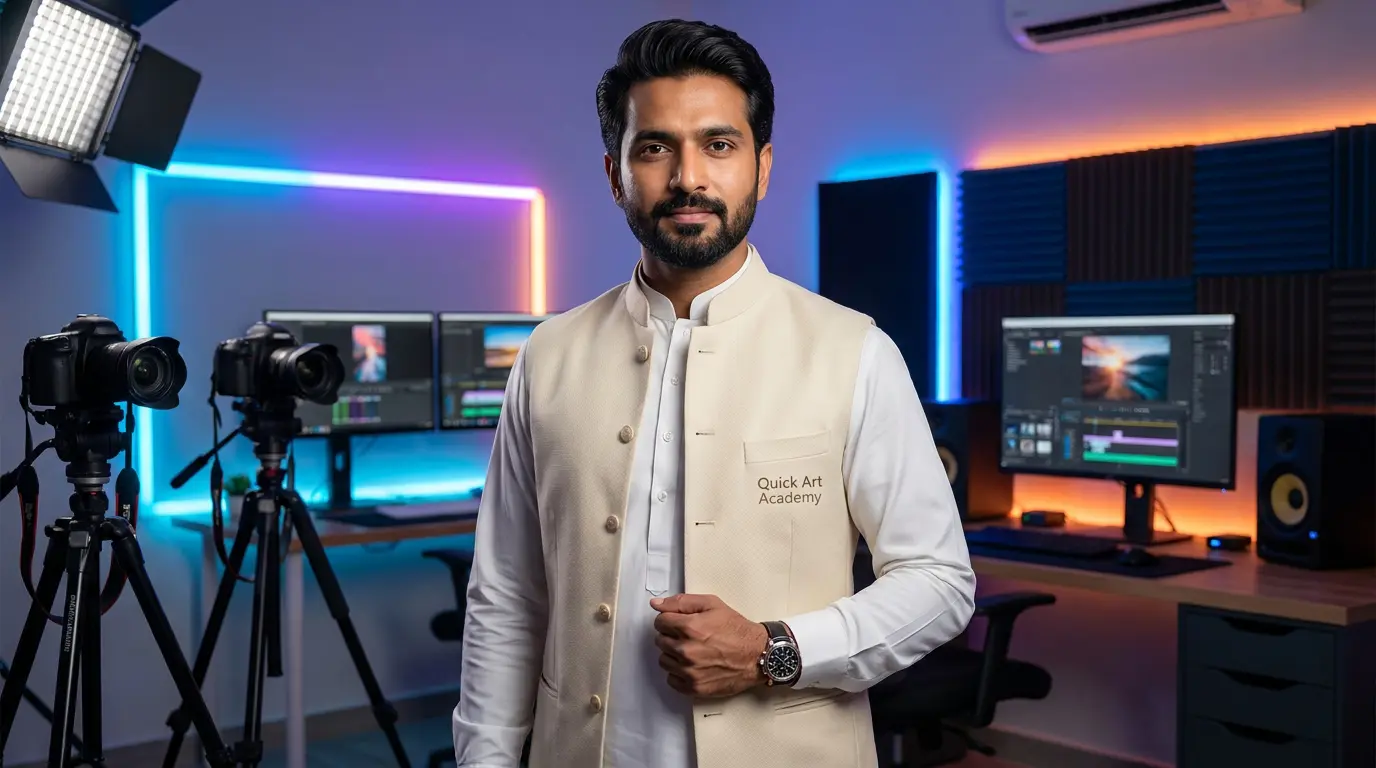
AI Wedding Filmmaking
Combine cinematic wedding filmmaking with the latest AI workflows. From AI-powered editing to AI-driven client marketing — develop a thoughtful, efficient creative workflow.