Whether you're just picking up a camera for the first time or you're a working professional looking for better professional video editing software — this guide has got you covered.
Why the Right Video Editing Software Makes All the Difference
Imagine spending hours shooting a beautiful wedding, a product launch, or a travel vlog — only to struggle with a slow, complicated editing tool that kills your creativity.
That's the reality for thousands of creators who pick the wrong software.
In 2026, video content drives more than 80% of internet traffic. Brands and creators who invest in quality editing stay ahead. The right software doesn't just make your videos look good — it makes the whole process faster, smoother, and actually enjoyable.
What to Look for in Professional Video Editing Software
Before you download anything or swipe your card, here's what you should honestly ask yourself:
Top Video Editing Software in 2026
Here's an honest look at the Top Video Editing Software in 2026 — tools that real creators, photographers, and filmmakers actually swear by:
1. Adobe Premiere Pro Industry Standard
If there's one name that dominates professional video editing globally, it's Premiere Pro. Advanced color correction, seamless After Effects integration, and a timeline that gives you complete creative control. It has a learning curve, yes — but once you get it, nothing feels limiting.
2. DaVinci Resolve Color & VFX Leader
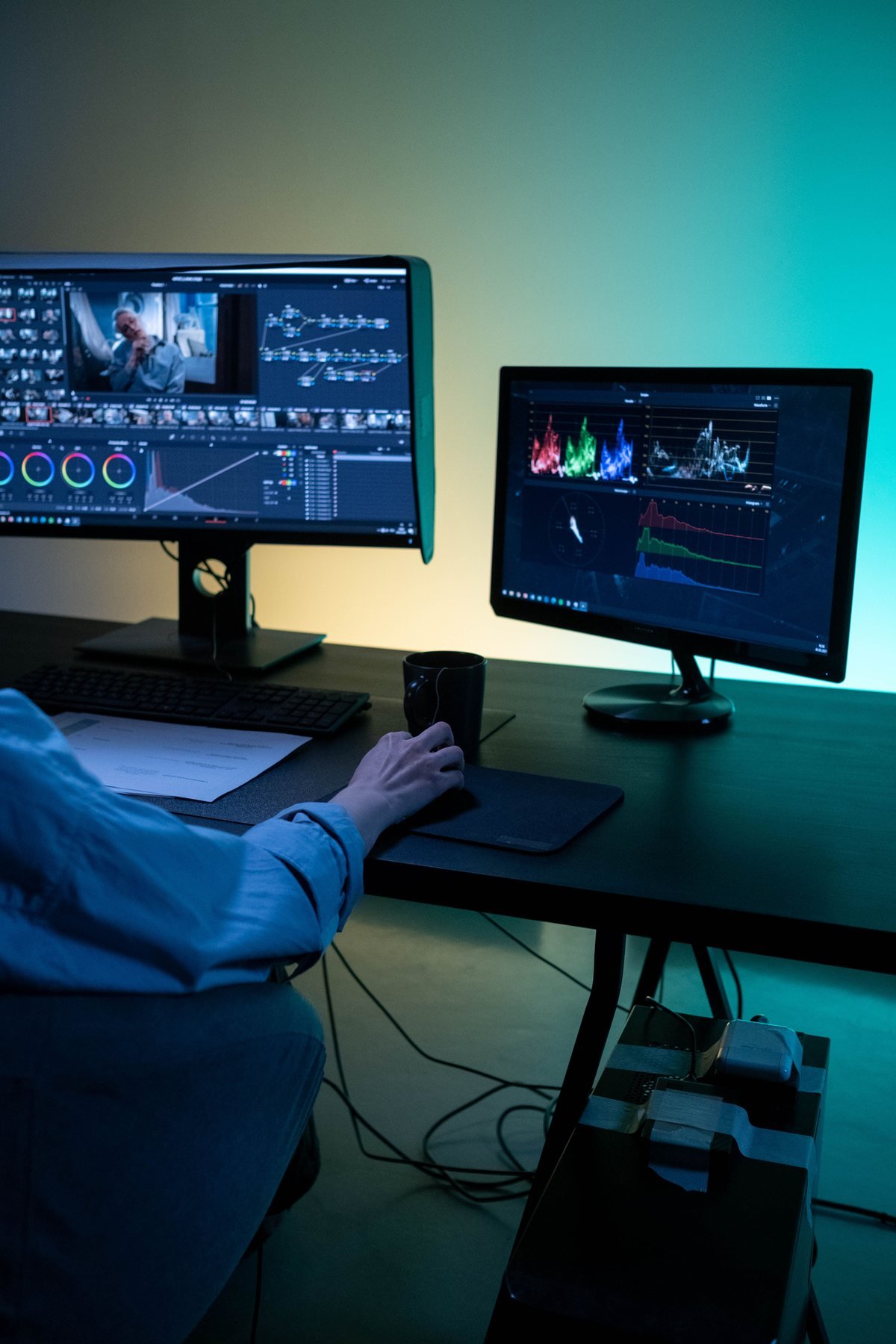
This one genuinely surprises people. Editing, color grading, visual effects, and audio — all in one place. And the free version? It outperforms many paid tools in the market. If you're serious about color work, DaVinci is the one.
3. Final Cut Pro Apple Silicon Tuned
Mac users, this one's built for you. Final Cut Pro is incredibly fast, clean, and handles high-resolution footage without breaking a sweat. Once you edit on it, going back feels difficult.
4. CapCut Pro AI Short-Form Pioneer
The biggest surprise of 2026. What started as a simple mobile app has grown into a full-featured desktop editor with powerful AI tools. Reels, Shorts, Stories — it creates them in minutes.
5. iMovie Beginner Friendly
Free, simple, and surprisingly capable. If you're just starting out and don't want to feel overwhelmed, iMovie is the perfect first step.
How Quick Art Photography Academy Helps You Master These Tools
Knowing which software to use is one thing. Actually using it well — that's a completely different skill.
At Quick Art Photography Academy, we go beyond just showing you where the buttons are. Our courses are hands-on, practical, and designed around real projects that you'll actually work on in the field.
We Train:
- Beginners who want to start from scratch and build a solid foundation.
- Photographers who want to add cinematic video editing to their skill set.
- Working professionals who want to upgrade their workflow speed, multicam pacing, and color grading.
Our instructors walk you through everything — from basic timeline editing to advanced color grading — so by the time you finish, you're not just trained, you're ready to work.
Frequently Asked Questions
Which is the Best Video Editing Software for beginners in 2026?
For beginners, iMovie and CapCut Pro are the best starting points. They're easy to learn, produce great results quickly, and won't overwhelm you on day one.
Is DaVinci Resolve actually free?
Yes, and it's genuinely impressive. The free version handles most professional projects comfortably. The paid Studio version adds AI-powered tools and advanced collaboration features for larger teams.
Which professional video editing software is used in Bollywood and Hollywood?
Adobe Premiere Pro and DaVinci Resolve are the go-to tools in professional film and TV production across the world.